AI · August 3, 2025 · 10 min read
Programming Didn't Get Faster. The Job Changed
A personal take on what changed when coding stopped being the hard part and AI agents became part of my daily workflow.
#agents #software engineering #ai
My “Oh, This Is Different” Moment
I was one of those developers who, back in the early GPT days, said I would never use AI. At first, it felt gimmicky and unnecessary. But as the years went on, the value became impossible to ignore.
I started using AI more and more. It sped up my coding, helped me structure code better, and, if I’m being honest, the part I abused the most was Cursors autocomplete. At that stage, my thinking was simple: “I’m still programming, just 10× faster.”
Even then, I never believed I would fully shift away from my IDE. The idea that I’d spend most of my time in the terminal, directing an AI instead of writing lines of code myself, felt unrealistic.
At the start of 2026, something pushed me to finally give Claude Code sub-agents and agent-driven development a real chance.
When I started working this way, something finally clicked. This was no longer about faster autocomplete or cleaner syntax. I was coordinating multiple parallel agents, each reasoning about a different part of the system. Architecture, implementation, review, and documentation stopped being sequential steps and started happening simultaneously.
That was my eureka moment. It became obvious that the programming world had already shifted, and I had been framing the job incorrectly.
I stopped thinking in terms of “How do I code this?” and started thinking in terms of:
- How do I define the problem clearly?
- How do I break work into explicit phases?
- How do I review and reject output efficiently?
Once implementation became cheap, judgment became the bottleneck. Since then, my workflow, and my understanding of what a programmer’s job actually is, has fundamentally shifted.
Claude Code is Not Better Autocomplete
Autocomplete speeds up typing. Claude Code changes where the work happens.
Instead of operating at the level of lines and files, Claude Code operates at the system level. It reasons across entire repositories, understands architectural intent, and coordinates multiple parallel work streams. This is not something you “turn on” while coding, it is something you work through instead of coding.
Once this clicks, the job changes. The hard parts are no longer writing syntax, remembering APIs, producing boilerplate… The hard part becomes defining the problem precisely, setting the right constraints, evaluating output critically and rejecting bad outputs early.
Claude Code doesn’t replace programming effort, it moves it upstream. And if you don’t adjust your mental model, you’ll either underuse it or trust it far more than you should.
Project spamming
Once you understand what Claude Code can actually do, the first thought is almost inevitable “Oh sh*t, I can spam projects weekly, or even faster.”
And to be fair, yes, you can.
When spinning up a new project takes minutes instead of days, the natural response is to create more. A lot more. You can even create multiple projects in parallel.
But, there is always but, spamming project is not the same as shipping products. Spamming repositories does not mean deploying to production, maintaining quality, or delivering a bug-free experience to real users. Most of these projects will end up as half-validated ideas, “get rich fast” experiments, and abandoned codebases.
This is not a personal failure, it’s a systemic one.
You need to understand that you are not alone with this mindset of spamming, there is thousands of engineers and “wanna be” engineers whose whole point is to create ton of projects as fast as they can, hoping one sticks.
The thing that needs to differentiate you from those is how fast can you discard bad ideas, how early can you detect architectural dead ends and how decisively you can say “this isn’t even worth starting”.
I am in the same boat. In roughly a month, I’ve started around three projects and I’m currently working on two more. Two of the three are deployed and genuinely useful for my own needs (not sellable, but real). The third one I nearly finished and then realized how expensive it would be to continue running and maintaining it.
To be frank this project was not a waste. I learned new technologies, uncovered assumptions I should have validated earlier, and, most importantly, learned where my decision-making at the beginning was weak.
Important note is that doing almost all of the project now and realizing it needs to be discarded is much more affordable then it was before AI. Because now it takes days instead of months!
Good early decisions still matter, and strong filtering at the beginning requires a solid understanding of your tech stack, a clear picture of what needs to be built, awareness of what must be protected, and realistic estimates of long-term cost.
This is where experience shows. Engineers who understand the long-term consequences of short-term decisions, factor those costs into how they design, build, and accept code will continue to move fast. Those who rely purely on vibe coding will eventually slow themselves down.
My personal workflow breakdown
This is not a section where I claim my workflow is the best and you should copy it. If that’s what you’re searching for, there are a ton of “best workflow” postings on X and LinkedIn that promise quick wins and quick results. If that’s what you’re searching for, please don’t return to this story; it’s obvious that you’re simply trying to get rich quickly. Good luck.
There is no single best workflow. There are patterns, trade-offs, and a lot of variance depending on what you’re building. You need to gather ideas, read documentation, test approaches, and shape something that actually works for you.
My process starts with a rough idea and an initial breakdown. Before Claude Code touches anything, I sanity-check the project.
I’ll take the idea to GPT and explain it my tech stack, what I want to build, target audience and what I want to accomplish.
It usually gives me good indication in potential drawbacks, risks and costs, and whether the project is even worth attempting.
This step is about getting a high-level reality check, not code. If the outcome still looks reasonable, only then I move to Claude Code. I use it initially to make project PRD file, this is actually core file for my workflow as it has all important info about the project, this file will be referenced from beginning to start. If you think of the app as a system, the PRD is the brain.
Phase-Based Execution (and the Crucial First Phase)
Once the PRD exists, the next step is breaking the project into concrete phases that actually make sense.
Of course initial phase should be project initialization with all the packages, environment keys, tooling and core technology choices.
And to be honest with You, this initial phase what I call Crucial phase should be done by You, not the AI. I’ve seen this go wrong too many times.
AI initializes a project and suddenly you’re on React 18 instead of 19, outdated packages are pulled in, or defaults are chosen that don’t match current documentation. At that point, you’re already fixing foundational mistakes.
If you get this phase wrong, everything that follow inherits those problems.
After crucial phase it is really up to you, on how are you going to approach further app development, it is also dependent on the app itself. Here is where AI can help you with phase plan creation and it is actually really good at it.
BUT REMEMBER ALWAYS READ THE PLAN BEFORE PROCEEDING
Adjust it. Tighten it. Remove unnecessary steps. If the plan is wrong now, it will absolutely come back to hunt you later.
Review Everything, Phase by Phase
Every completed phase gets reviewed. No exceptions.
This is why breaking work into phases matters. Letting Claude build an entire app in one go wastes context and removes your ability to catch issues early.
For example, if phase two is authentication, Claude can generate everything related to auth in that phase. Then I review:
- Is it using up-to-date APIs?
- Are protected routes actually protected?
- Are assumptions aligned with the PRD?
If something is wrong, I fix it immediately, either by prompting Claude again or doing it myself. Problems caught here are cheap. Problems caught later are not.
Breaking projects into phases is not bureaucracy. It’s risk control.
Agents army
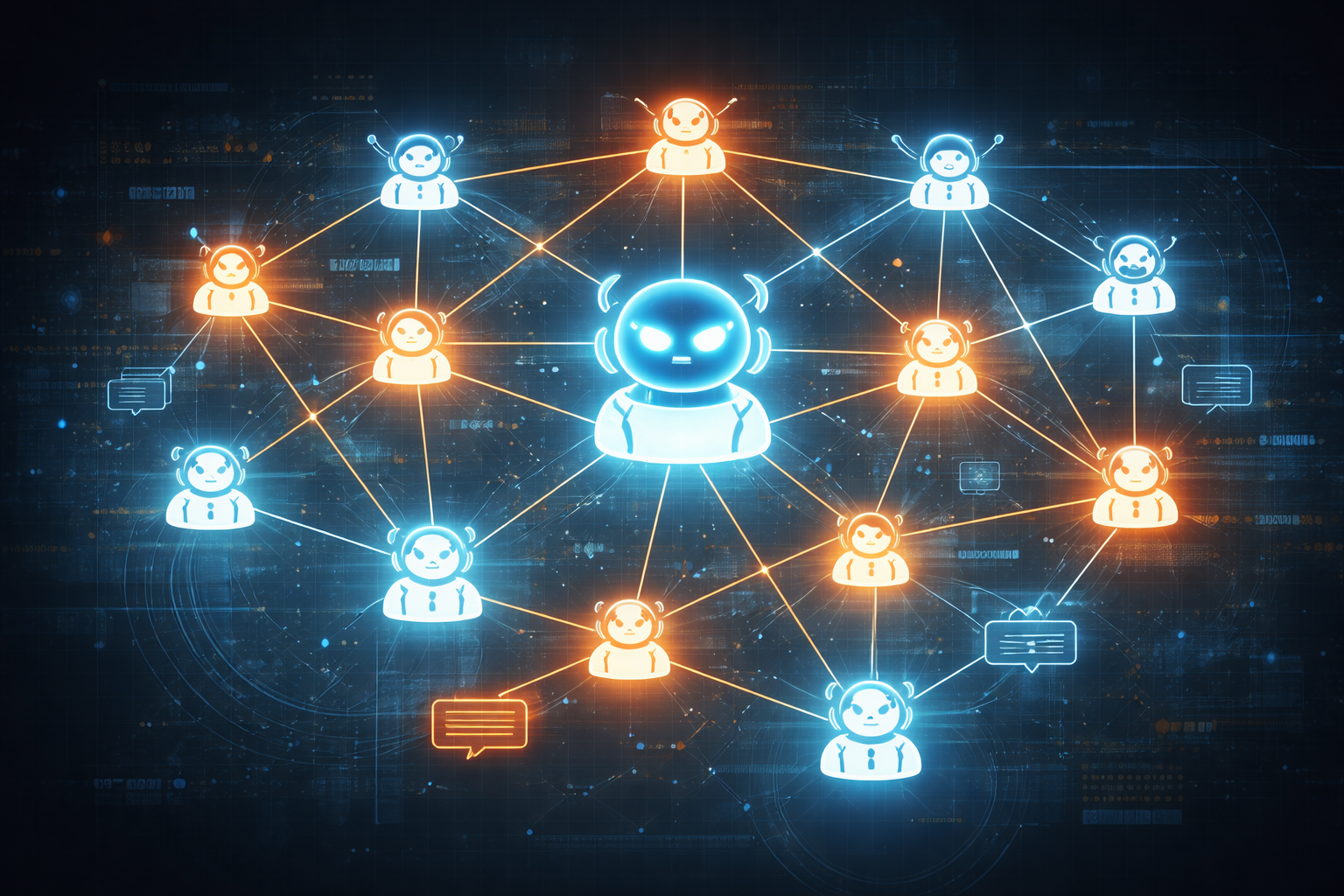
Now you are probably wondering “but where do these agents come to play?” well if you have read at least few lines of docs for them and understand how the models work, this is a no-brainer.
I go with approach that I am creating my own team. It is more of a tech lead experience then developer experience.
You need to understand what do you need. For example, if you need to write PRD for the app with help of AI, make agent whose whole focus is PRD creation, its prompt is fully focused on PRD creation and that will give you much better results then just saying to Claude Code “create me PRD for my app“.
One more example is code reviewer agent, once your Claude Code writes the code (or some other sub agent) use this reviewer agent to check the code before pushing it.
Each agent has a focused prompt and a narrow responsibility. This produces far better results than asking a single agent to do everything.
Sub-agents can be project-specific or global, which gives you fine-grained control over how you work. Their prompts can, and should be generated and refined with AI itself. Claude explicitly recommends this approach.
The most powerful part is context preservation and parallelism. Each agent maintains its own context, while the main agent orchestrates the workflow and decides what happens next. At that point, the experience feels far more like leading a team than writing code.
The Drawbacks and Abuse of AI-Driven Coding
While this approach is extremely powerful and can significantly increase the speed of experienced programmers, it is also easy to misuse and cause real harm. It all looks nice and correct at first glance, but then in production you leak your users private data.
"AI will Do Everything for Me"
The biggest risk is not technical, it’s cultural.
When AI makes progress feel effortless, it encourages “vibe coding”… shipping fast without understanding what’s being built, why decisions were made, or what the long-term implications are.
This has pulled a lot of people into software engineering with the assumption that deep engineering knowledge is no longer necessary, that you can simply vibe your way to a successful product. We are already seeing how that plays out. Many of these projects quietly fall apart: the app stops working, unexpected issues appear, costs spike, or interest fades once reality sets in.
Claude Code, in particular, is not a tool for people who don’t understand code at all. It generates a large amount of output very quickly, and if you have no mental model of what that code is doing, good luck in production.
That doesn’t mean non-engineers shouldn’t use these tools. If someone is genuinely motivated to learn how systems work, even at a high level, AI can be an incredible accelerator. But it does not deliver miracles overnight. Some learning still needs to be done.
Generating whole projects in one go
As I already mentioned, generating an entire project in one shot is a self-destructive approach. Not only does the AI lose context as it approaches or exceeds its limits, but it can also forget or drop crucial parts of the system as context gets compacted or erased.
I ran into this firsthand while experimenting with one-shot app generation. The output was large and, at a glance, looked solid. Most of the logic was there, the structure made sense, and nothing obvious was broken. But after a closer look, I noticed something fundamental was missing: there was no landing page, no clear entry point, and no starting dashboard. The AI had generated sub-routes and internal logic, but skipped the user’s actual starting experience entirely.
Outdated code and UI
As already mentioned, AI loves to use outdated code, when it is not explicitly noted to pull new documentation from internet. This depends heavily on when the model’s training data ends or how much examples of new code vs old code does it have. Outdated code prepares your application for refactor from the get-go.
UI generation has a similar problem. While AI can produce functional interfaces quickly, the results are still far from polished by default. One-shot UI generation is especially easy to spot which that signals no human refinement ever happened.
What is the future
While this is really opinionated.
The role of the software engineer is already shifting, and it is happening fast. We are stopping to write code and starting to focus more on technical leadership, project management, and system architecture. For some people, that’s exciting. For others, it’s deeply uncomfortable.
I’m somewhere in between.
I always loved the satisfaction of writing my own code and fully understanding how it worked, it gave me dopamine boost. Now, when large parts of the system are generated, often in ways better than I would have implemented myself, it can feel strangely unmotivating.
I feel like I am not doing any job but actually I am 50x times faster then I was
This shift is not optional. The world changed because we wanted it to change. We built software to automate, optimize, and accelerate everything around us, and now that same acceleration is being applied to our own work. The only rational response is to adapt.
This new shift gives us possibilities to finish all our projects that we felt they would take to much time, it is improving our leading and managing skills, it provides us knowledge much faster then before.
Resistance won’t stop this shift. Refusing to engage with AI tools doesn’t preserve the old way of working; it just guarantees falling behind.
The winners will be engineers who adapt, who understand how systems and code actually work, and who can design, evaluate, and evolve solutions rather than just implement them.
AI doesn’t replace engineers, it amplifies them.